



All levels
|
55 min 39 sec
|
00:32
|
|
05:10
|
|
04:56
|
|
04:18
|
|
04:37
|
|
05:03
|
|
02:53
|
|
03:30
|
|
06:59
|
|
04:57
|
|
02:35
|
|
08:09
|
|
02:00
|

Taught by Hilary Williams
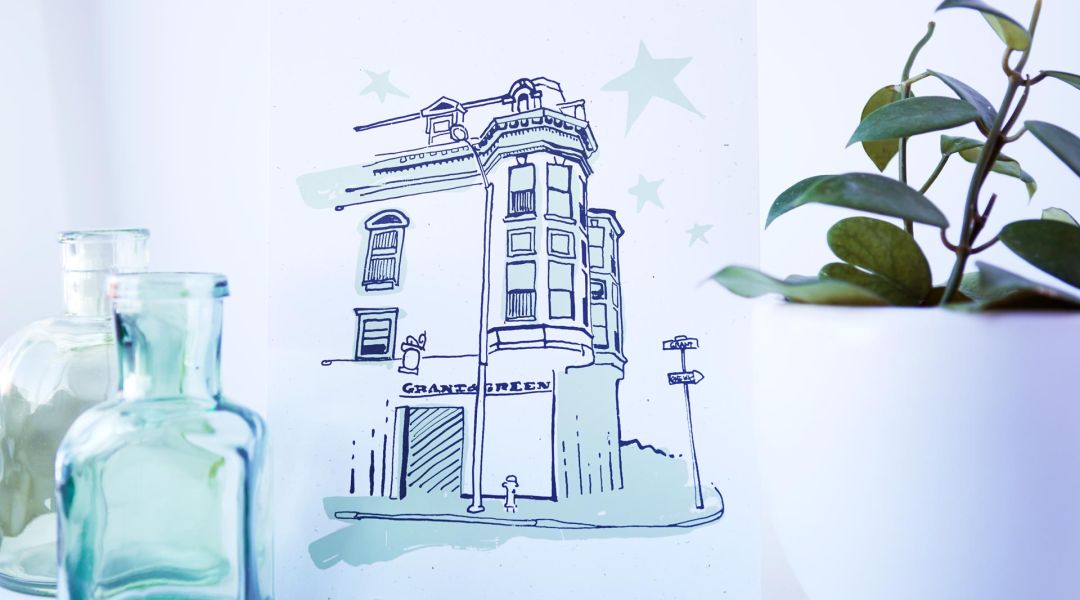
Learn the magic of photo emulsion screenprinting in this workshop. Hilary walks you through the process of creating an image to print, coating a screen, exposing the image and finally pulling your first prints. Photo emulsion lends itself to gorgeous, fine detail and Hilary shows you how to layer different stencils to create multi-layered prints. She covers all the basic of screen printing in a home setup, so you’re ready to print at home or in a shared studio space.
Learn how to:
What you’ll get:
Here’s what you’ll need:
Tools:
- mesh screen (lower than 125 mesh count)
- squeegee (at least 5” smaller than screen frame width)
- screen print clamp hinges on a board or table
- UV lights or light table
- brush
- fountain pen
- screen print photo emulsion
- transparency paper
- India Ink for film
- packing tape
- screen print ink
- paper
- paint pen or china marker
Downloads:
- Create an image to print
- Coat a screen
- Expose the image
- Pull your fits print
What you’ll get:
- An easy-to-follow lesson on how to screen print using photo emulsion
- 12 HD video lessons you can access online anytime, anywhere
- Itemized supply list
- Step-by-step instruction by artist Hilary Williams
- The ability to leave comments, ask questions and interact with other students


Member Gallery
Browse members' projects from this class and share your own work! Learn how to take great photos here.
Load More
Transcript
Class PDF
Screen Printing 2: Photo Emulsion Reviews
323 users recommended this class to a friend

Dee Bee
I was expecting the UV coating and removal process to be more difficult. Thanks Hilary for giving detailed and well illustrated instructions.
More than 3 months ago
1
Bronwyn Silvester
Love the process not having access to the equipment makes it hard to try. But the whole concept interests me. Thank you for the very clear instructions.??
More than 3 months ago
Ryan Grange
Best tutorial I've seen on this topic, and I've watched a lot.
More than 3 months ago
Related Classes